Deploy to Kubernetes without a DevOps team.
Deckrun runs your apps on a managed Kubernetes cluster in your own DigitalOcean or Scaleway account. One config file. One command.
From empty account to live app. Pick a command and watch it run.
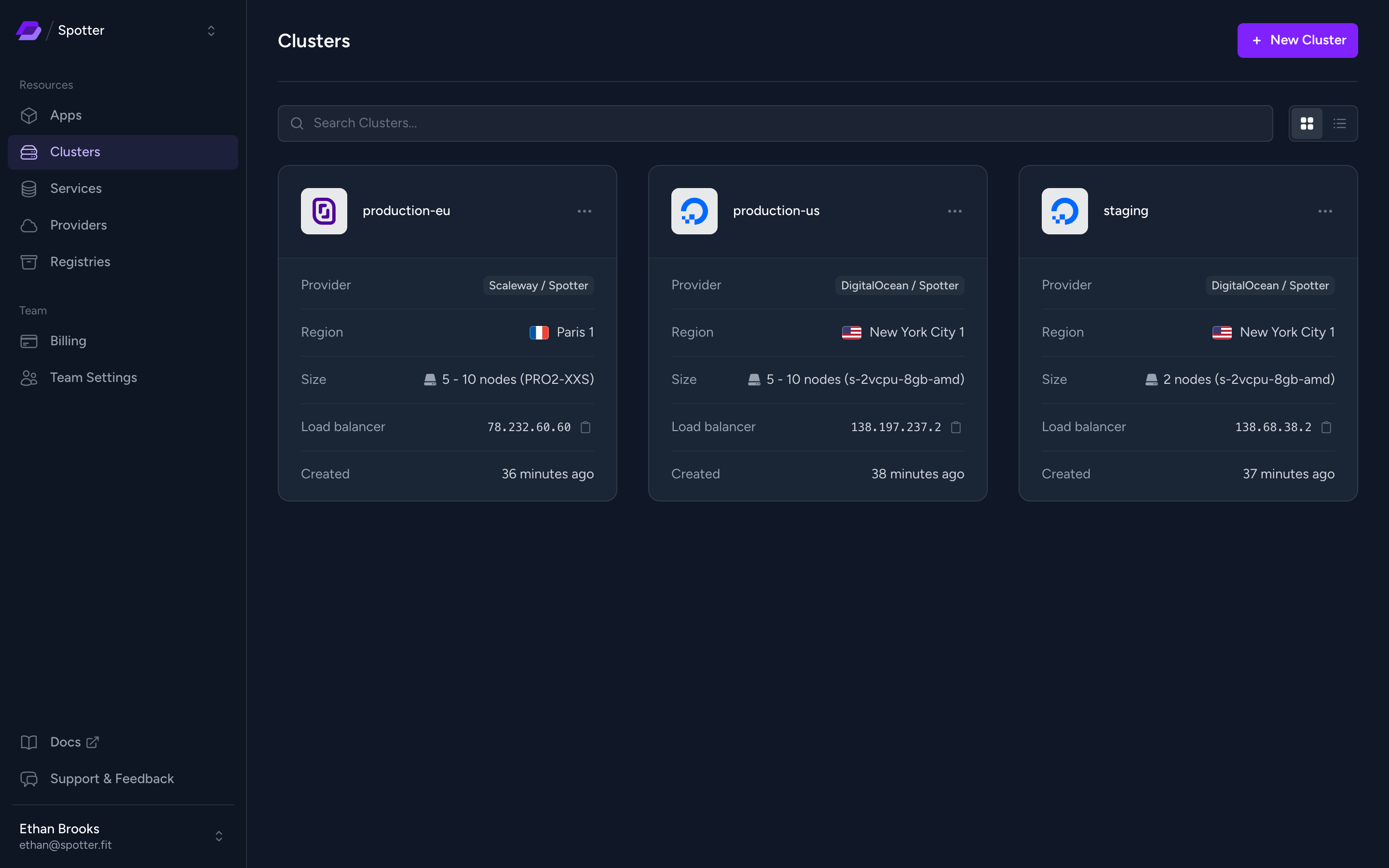
Your cloud account. Your cluster. Deckrun doesn’t host your apps; everything lives in your DigitalOcean or Scaleway account.
No markup on compute
Your provider bills you directly, at its own prices. Deckrun only charges its plan.
One config file
Replaces manifests, Helm charts and GitOps pipelines.
EU hosting when you need it
Run your cluster on Scaleway, in the EU.
Stop using Deckrun and your apps keep running in your account.
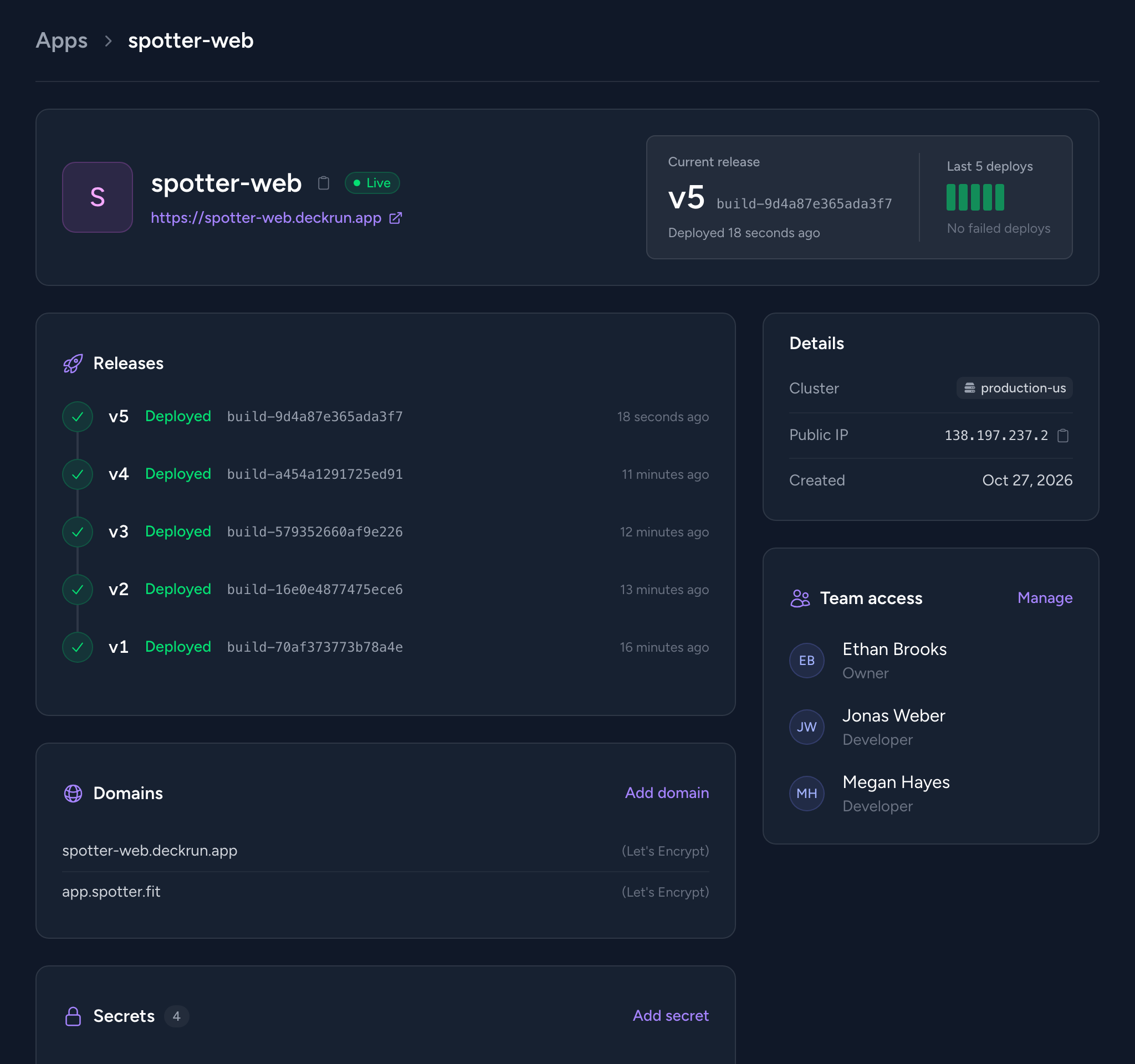
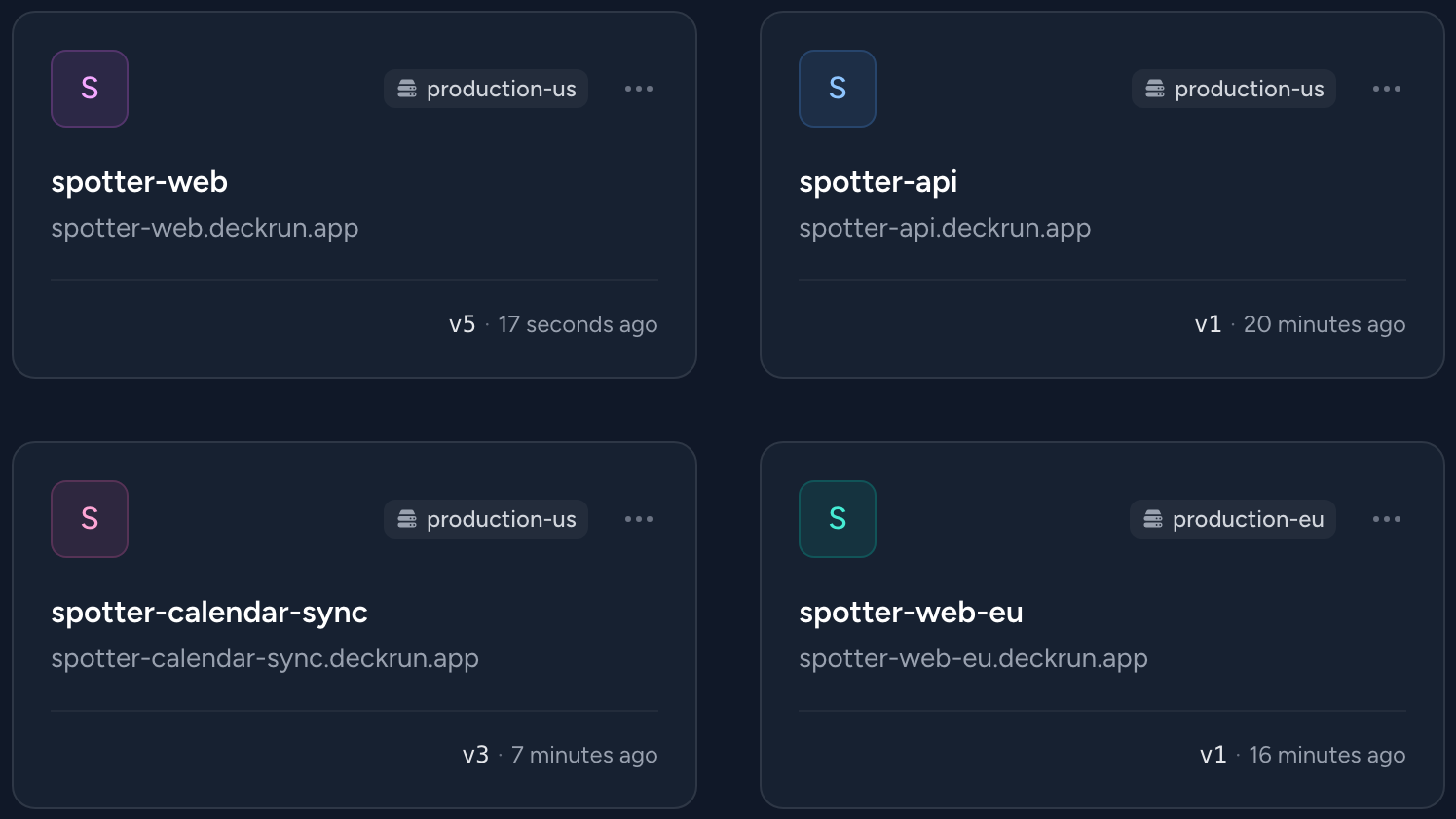
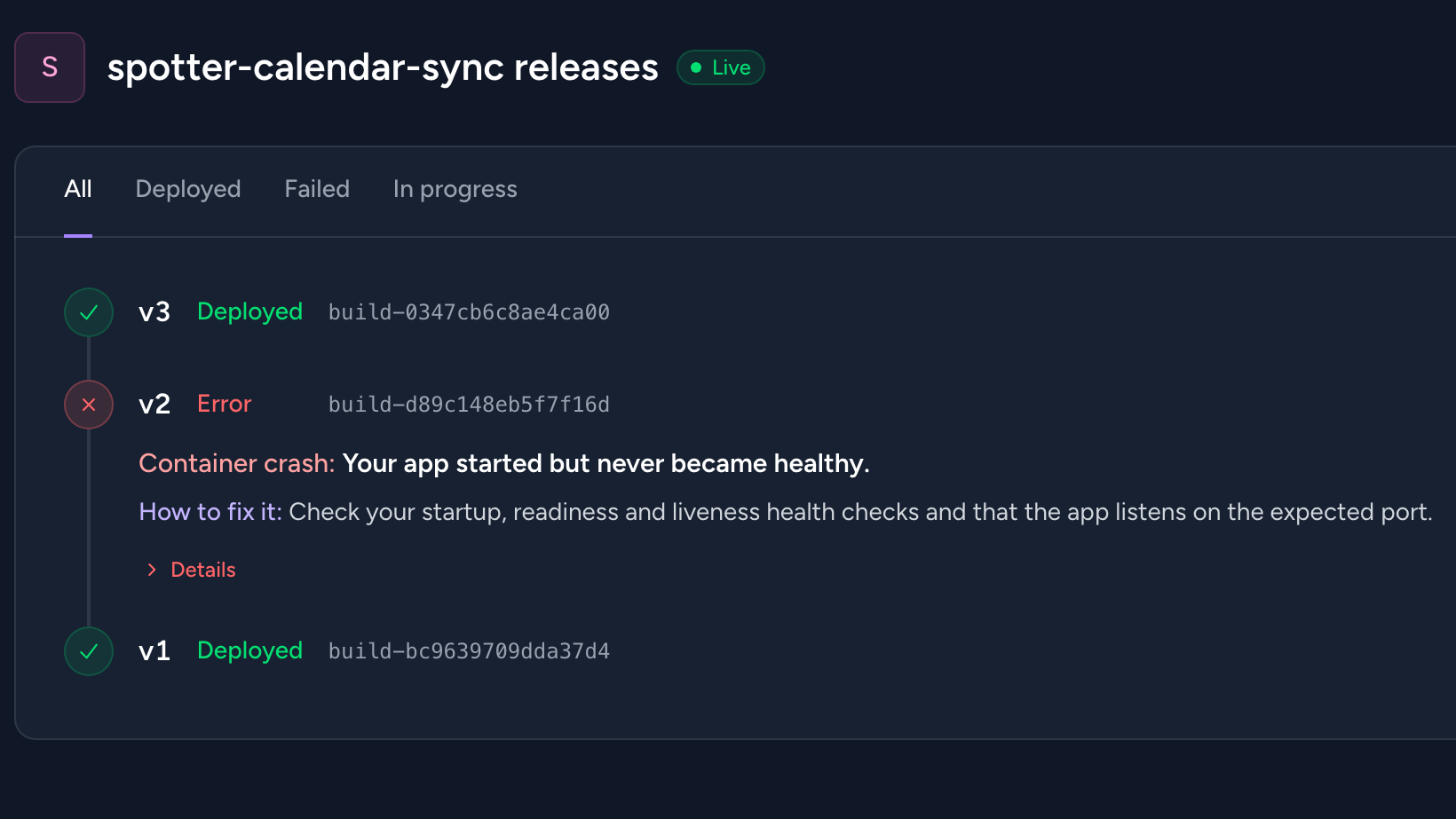
Everything after the first deploy. Logs, shells and scaling from the CLI. All of it visible in the dashboard.
Debug like it’s local
Open a shell in a running container, or forward a port to reach a private service from your laptop.
Scale on CPU or memory
Set min and max replicas and a CPU or memory target. Kubernetes adds and removes replicas as load changes.
Deploy on every push
Use the official GitHub Action in your pipeline.
One team per client
Working for several clients? Keep each one in its own team and give each developer access only to the apps they work on.
Domains and secrets, handled
Custom domains with automatic Let’s Encrypt certificates. Secrets set from the CLI and injected at runtime.
“Set it up once and forget about it. From there, you can spin up services in seconds without dealing with complex configs. Having everything centralized and versioned is a huge plus.”


Every feature on every plan. Pay for deployments and support, not features.
Business
$99 /mo
For when production can’t wait.
Included in every plan
- Auto-scaling clusters on your cloud provider
- Domains with free SSL
- Real-time logs and shell access
- Role-based team access
Your infrastructure is billed by your cloud provider
How costs scale. PaaS pricing grows with every app. Your own cloud stays flat.
Monthly cost · 5, 10 and 20 apps
Estimates based on apps with 1GB RAM and 1 vCPU each. PaaS prices from published rates. Deckrun costs include $29/mo platform fee + cloud provider cluster + load balancer. Apps share cluster resources, so costs grow slower as you scale. Actual costs vary by configuration.
Frequently asked questions
What is Deckrun?
Deckrun deploys your apps to a managed Kubernetes cluster in your own DigitalOcean or Scaleway account. You describe the app in one config file and run deck deploy.
How is Deckrun different from Heroku or Render?
You get the same one-command deploys, but the infrastructure lives in your own cloud account. No vendor lock-in, and you pay provider rates directly.
Who owns the infrastructure?
You do. Everything is created in your cloud account, and you keep full ownership and control.
Which cloud providers are supported?
DigitalOcean (DOKS) and Scaleway (Kapsule). More providers are planned.
What does Deckrun create on my cloud provider?
A managed Kubernetes cluster, a load balancer and a container registry if you don’t have one. The provider maintains the cluster.
Do I need to know Kubernetes?
No. Deckrun handles the Kubernetes side, and you’ll pick up the basics along the way.
What can I deploy?
Any app that runs in a Docker container. No Dockerfile? Deckrun can generate one for many common frameworks.
Do you offer managed databases?
Managed MySQL is in beta. Link it to an app and Deckrun injects the connection details as environment variables.
What support is available?
Direct support from the founder. I built Deckrun and know every line of code. If you have a problem, you talk to me, not a support tier.
Is there a free plan?
Yes. Every feature, up to 50 successful deployments per billing cycle. Failed or in-progress deploys don’t count. No credit card required.
Do I need a credit card to start?
No. A card is only needed when you upgrade to Pro or Business.
How much does Deckrun cost in total?
Free, $29 or $99 a month for Deckrun, plus your cloud infrastructure, which you pay to DigitalOcean or Scaleway at their standard rates. Deckrun never marks up or resells compute.
Built by a developer, for developers.
I built Deckrun because deploying to Kubernetes shouldn’t require a dedicated DevOps team, a PaaS bill that grows with every app, or hundreds of lines of YAML.
Your team should be able to ship changes in minutes, not wait days for someone else to do it.
Deckrun is independently built and funded. No investors, no sales team. If something breaks, you talk to me.
Daniel · founder of Deckrun